

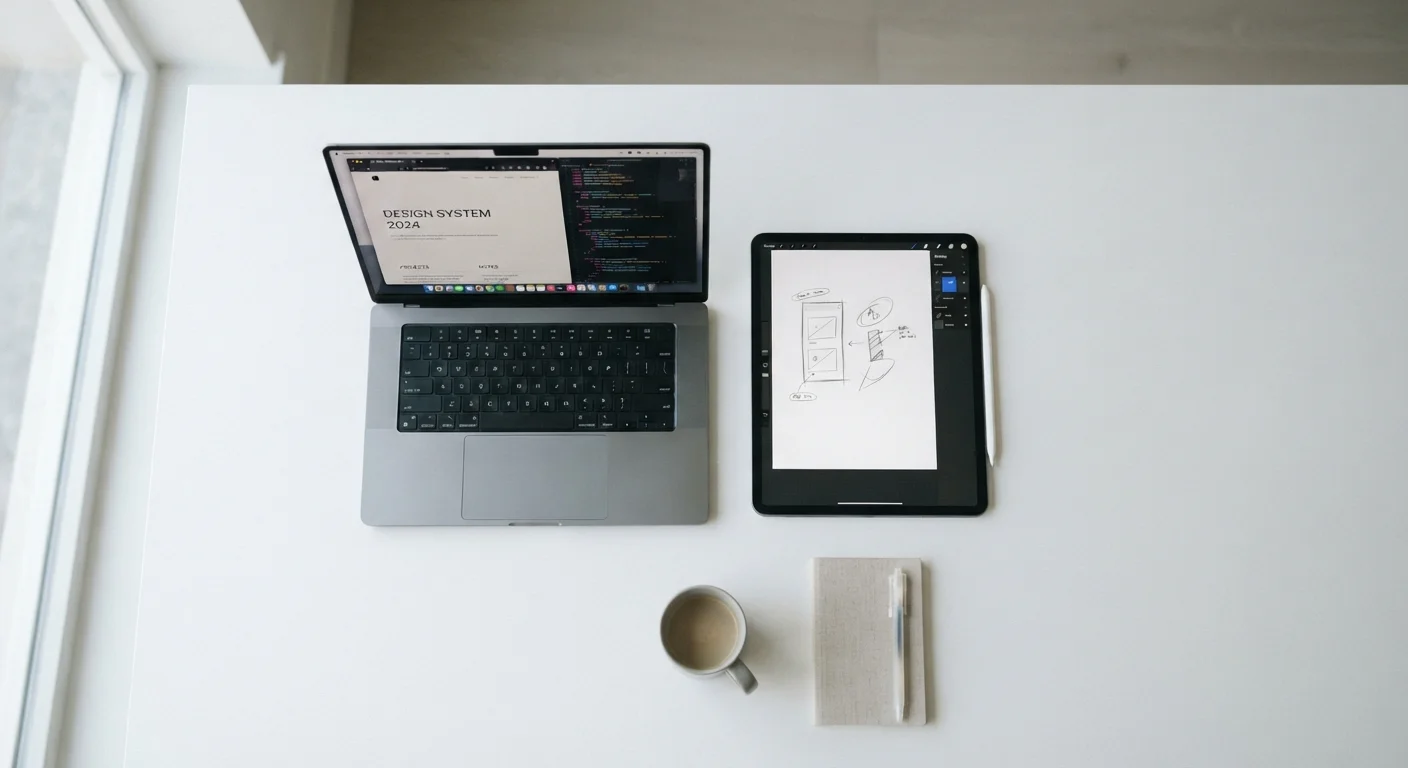
Option A
Tablet
The portable, touch-first companion.
Best for: Consumption-heavy tasks, travel, media, and casual productivity where touch interaction is preferred.
Option B
Laptop
The full-powered, keyboard-driven workhorse.
Best for: Extended document work, software-intensive tasks, and multi-window workflows that demand a physical keyboard and trackpad.
How the Lines Have Blurred — and Where They Haven't
Tablets with detachable keyboards and laptops with touchscreens have made this comparison harder than it used to be. But despite the convergence in marketing, the underlying design philosophies remain distinct. Tablets are built around a touchscreen-first experience. Laptops are engineered for keyboard-and-cursor input as the default mode of operation.
That distinction has cascading effects on software availability, ergonomics, and what you can realistically accomplish in a given session. Understanding those effects — rather than focusing on specs alone — is what helps people avoid gadget regret.
| Criterion | Tablet | Laptop |
|---|---|---|
| Primary input method | Touchscreen, optional stylus | Physical keyboard and trackpad |
| Average weight | 0.5–0.9 kg (1.1–2 lbs) | 1.2–2.0 kg (2.6–4.4 lbs) |
| Operating system | iPadOS, Android (mobile OS) | Windows, macOS (desktop OS) |
| Software library | App store ecosystem, some gaps | Full desktop application support |
| Multitasking depth | Limited windowing, fewer apps | Unrestricted multi-app use |
| Typical battery life | 10–15 hours moderate use | 6–14 hours (varies widely) |
| Creative/stylus use | Excellent with compatible stylus | Limited on most models |
| Port and peripheral support | Often one port, limited | Multiple ports, broader support |
Input and Ergonomics: Where Each Device Wins
Touch input is intuitive for scrolling, tapping, and drawing — but it becomes inefficient for sustained typing. Studies of text input speed consistently show that even average typists produce significantly more words per minute on a physical keyboard than on a glass surface. Tablet keyboards exist as accessories, but they add weight and bulk, partially negating the portability advantage.
Laptop trackpads provide precise cursor control that touch simply doesn't replicate well for tasks like selecting a word in a dense paragraph or targeting a small UI element. Conversely, tablets excel when input involves a stylus — annotation, sketching, and form-filling all feel more natural on a touch surface. Neither device is universally superior; the question is which input model your most frequent tasks demand.
~40 WPM
Average tablet on-screen typing speed
Research on mobile text input consistently finds touchscreen typing averages around 40 words per minute, compared to 60–80 WPM on physical keyboards for typical users.
55%
Adults using tablets primarily for media consumption
Pew Research Center surveys have found a majority of tablet owners use the device most often for video, reading, and browsing rather than document creation.
0.5 kg
Median weight advantage of tablets over laptops
Across mainstream models, tablets typically weigh roughly half a kilogram less than comparable laptops, a difference that accumulates noticeably during travel.
Software, Multitasking, and Real-World Limits
Mobile operating systems powering most tablets — including iPadOS and Android — have matured considerably, but they still carry meaningful software gaps compared to Windows or macOS. Many professional tools, particularly in finance, engineering, video production, and software development, either lack tablet versions entirely or offer stripped-down alternatives. If your workflow depends on specific desktop applications, a laptop is the more straightforward choice.
Multitasking is also a friction point. Laptops running full desktop operating systems allow simultaneous use of many applications with minimal overhead. Tablets impose stricter limits on background processes and windowing, which matters when you need a spreadsheet, a browser, and a video call open at the same time. The display technology each device uses also shapes the experience — tablets frequently use OLED panels optimized for vivid color and battery efficiency, while laptop displays vary widely.
Portability, Battery Life, and Travel Practicality
On raw portability, tablets win clearly. They're lighter, thinner, and faster to pull out and put away. For anyone who travels frequently — whether commuting or crossing time zones — that reduction in friction adds up. They also tend to have longer continuous battery life in typical use, partly because their operating systems are more aggressively optimized for power management. See our travel tips section for more on packing and using devices while on the road.
Laptops have closed the battery gap substantially in recent years, and their added weight is often acceptable to users who need a single device that handles everything. The trade-off is simple: a tablet is easier to carry; a laptop is harder to leave behind something essential. Whichever device you choose, good habits around storage, heat, and charging matter — the right maintenance practices apply equally to both.
When a Hybrid Might Make Sense
Devices like 2-in-1 laptops — where the screen detaches or folds flat — attempt to bridge both categories. They can work well for users with genuinely mixed needs, but they often involve compromises: heavier than a tablet, less ergonomic as a laptop. They're worth considering if your use case is roughly split, but they don't eliminate the underlying trade-offs. For form factors pushing hardware boundaries in different ways, the engineering trade-offs of foldable devices offer useful context.
The content on this site is for informational purposes only and is not a substitute for professional advice. Always consult a qualified professional for guidance specific to your situation.