

Option A
Dedicated Password Manager
The security-first approach to credential storage.
Best for: Anyone who wants strong, unique passwords across all accounts with robust encryption and cross-device flexibility.
Option B
Browser-Saved Passwords
The built-in, zero-friction option most people already use.
Best for: Casual users who primarily browse on one device and prioritize convenience over advanced security controls.
How Each System Actually Works
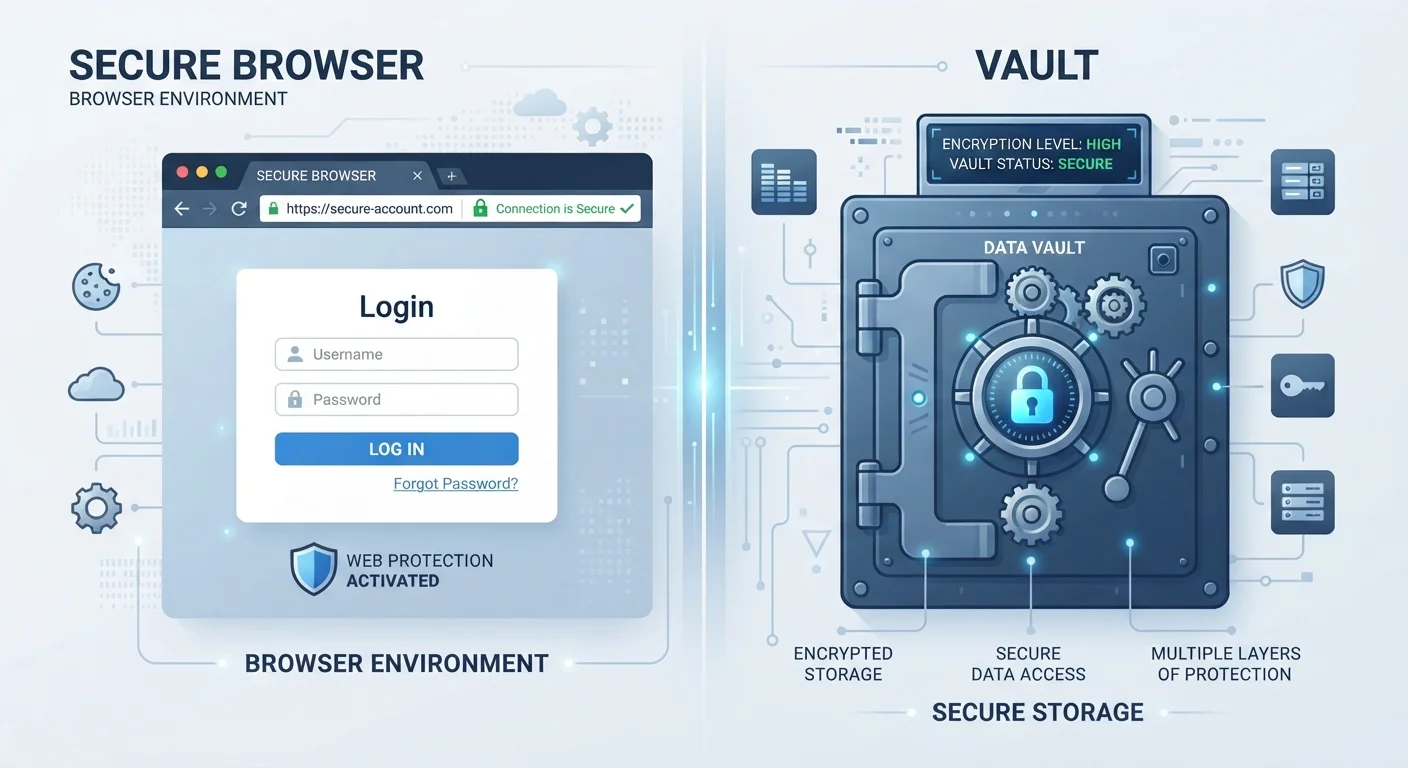
When you save a password in Chrome, Firefox, or Safari, that credential is stored locally and typically synced to your browser vendor's cloud infrastructure — tied directly to your Google, Mozilla, or Apple account. The security of those passwords is therefore dependent on the security of that account.
A dedicated password manager, by contrast, stores credentials in an encrypted vault that only you can unlock, usually via a single master password or passphrase. Most reputable managers use a zero-knowledge architecture, meaning the service itself cannot read your stored passwords — only your device can decrypt them using your master credentials.
| Criterion | Dedicated Password Manager | Browser-Saved Passwords |
|---|---|---|
| Encryption model | Zero-knowledge, end-to-end encryption | Tied to browser/OS account encryption |
| Password generation | Strong, customizable, automatic | Basic suggestions (varies by browser) |
| Cross-browser support | Works across all browsers and platforms | Limited to the same browser/ecosystem |
| Breach monitoring | Comprehensive, real-time alerts | Partial, browser-dependent |
| Master password protection | Required separate master credential | Usually tied to device/OS login only |
| Security auditing | Full vault audit with scoring | Limited checkup tools |
| Setup effort | Moderate — requires initial configuration | Minimal — built into the browser |
Understanding this architectural difference matters. If your Google account is phished or your browser profile is accessed by malware, browser-saved passwords can be exposed in bulk. A well-configured password manager adds an additional encryption barrier that is independent of your other accounts.
Where Browser Passwords Fall Short
Browser vendors have made meaningful improvements to built-in password tools. Chrome's Password Checkup and Safari's password monitoring, for example, can flag credentials that appear in known data breaches. But these features are still limited compared to what standalone managers offer.
Browser password storage generally lacks: strong password generation that's customized by site requirements, detailed security scoring across your entire credential library, and the ability to store secure notes, payment cards, and other sensitive data in an auditable way. Perhaps more critically, your saved passwords are accessible to anyone who can unlock your device or your browser profile — there's typically no separate master password gating access.
Browser Passwords Are Not Inherently Unsafe
Modern browsers encrypt saved passwords and many now include breach-detection features. For users with a small number of low-stakes accounts, browser storage secured by a strong, unique browser account password and two-factor authentication can be a reasonable baseline. The risk increases significantly when the same browser account credentials are weak, reused, or not protected by a second factor.
For a broader look at which online safety assumptions deserve scrutiny, see our article on common privacy myths that give people a false sense of security.
What Password Managers Add — and What They Require
Dedicated password managers address most of the gaps described above. They generate long, randomized, unique passwords for every site; flag reused or weak credentials; and can notify you when a site you use has suffered a data breach. Cross-platform sync means your credentials travel with you regardless of which device or browser you're using.
The trade-off is setup friction and the responsibility of protecting your master password. If you forget it, recovery depends on the manager's specific policy — some offer recovery codes, others do not. There's also the question of trust: you're consolidating credentials with a third-party service, which requires confidence in that provider's security practices.
That said, security professionals broadly regard dedicated managers as the more robust option for most users. Pairing one with two-factor authentication on your manager account and primary email significantly raises the bar for unauthorized access. For a practical assessment of your current account security posture, the personal account security audit checklist is a useful starting point.
Whichever approach you use, the foundational principle remains the same: unique, complex passwords for every account. Both tools can support that goal — one just does it with considerably more depth. For context on the broader habits that matter most, our guide to digital safety habits that hold up over time covers the full picture.
The content on this site is for informational purposes only and is not a substitute for professional advice. Always consult a qualified professional for guidance specific to your situation.